Starting with Woodwork for Inventor version 17, all furniture design samples have been removed from the installation and placed in an online repository, from which users can download the sample they are interested in.
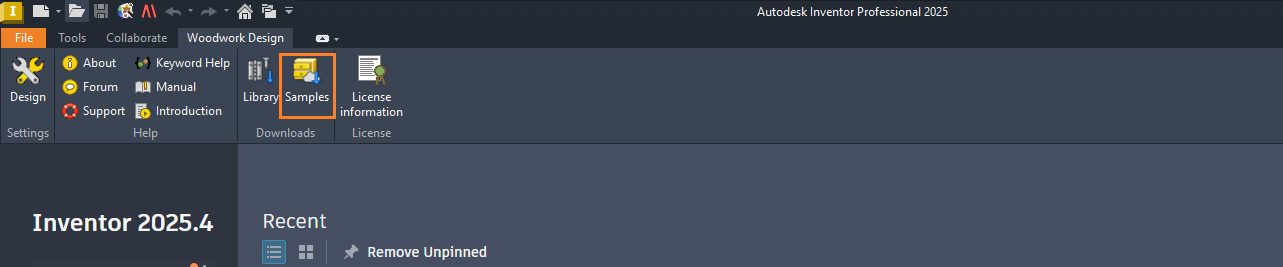
To open the sample download dialog, in the Autodesk Inventor environment (when no documents are open), click "Samples" in the toolbar.
Then the following dialog will be launched for the user.
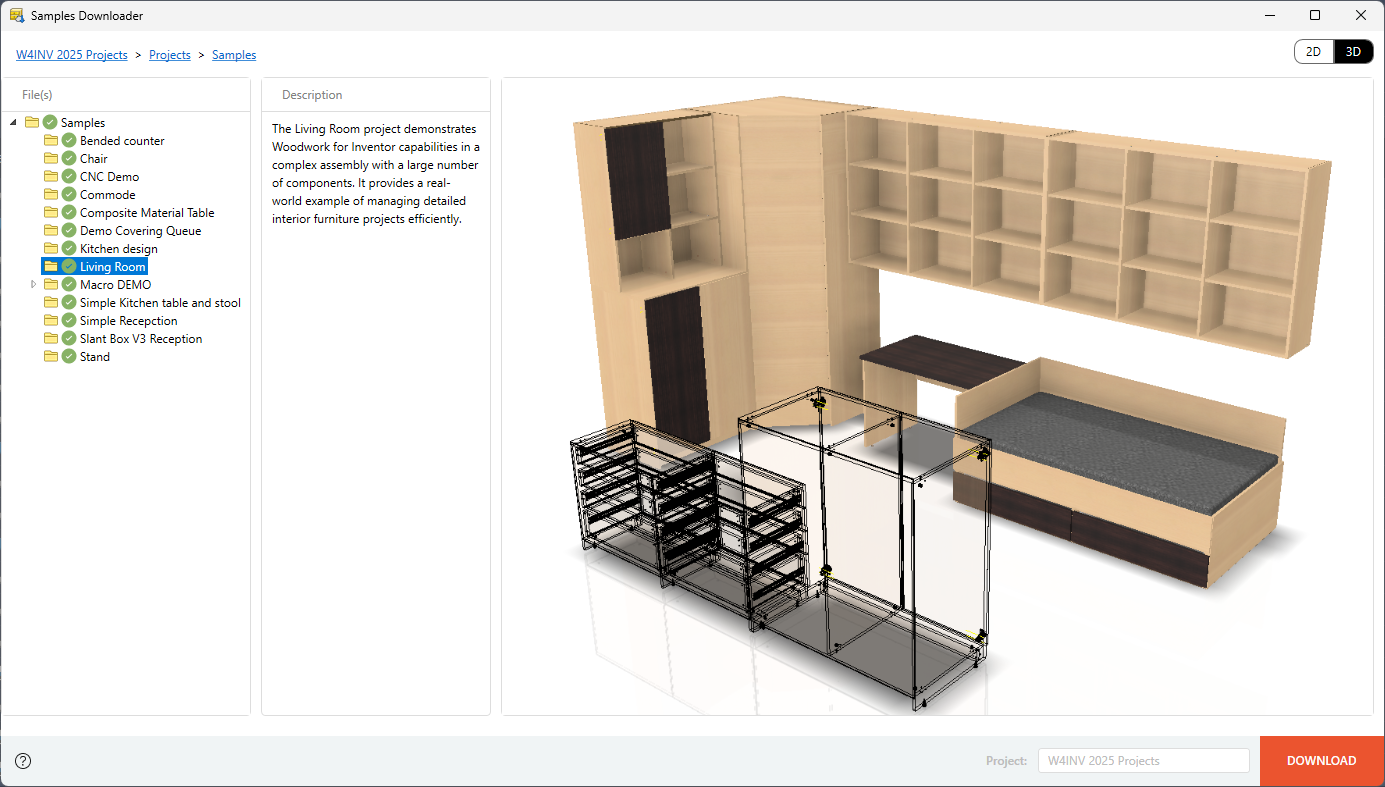
After selecting the desired sample and clicking the "Download" button, the files of that specific sample will be downloaded and saved in the working project space at C:\W4INV 202X Projects\Projects\Samples.
Tips:
▪If the user already had the sample and chooses to download it again, the existing sample will be automatically overwritten.
▪If the user selects the "Samples" directory and clicks the "Download" button, then all samples will be downloaded.