If desired, the user can export the resulting operation to an Autodesk Inventor Sketch. This sketch will simulate the tool and the movement of the tool center point in space along the tool path. In cases where Macro commands are involved in the operation, a user coordinate system (UCS) will be created instead of a sketch. The coordinate system will indicate where the Macro operation begins
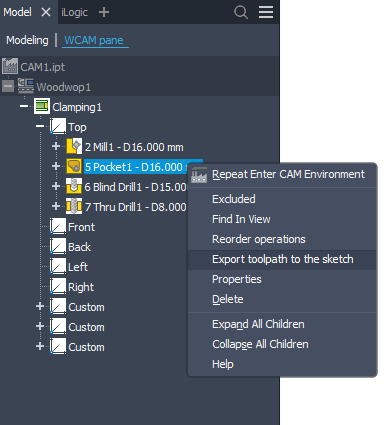
To export the tool path to a sketch, simply right-click the desired operation in the tree and select "Export toolpath to the sketch".
Results obtained.
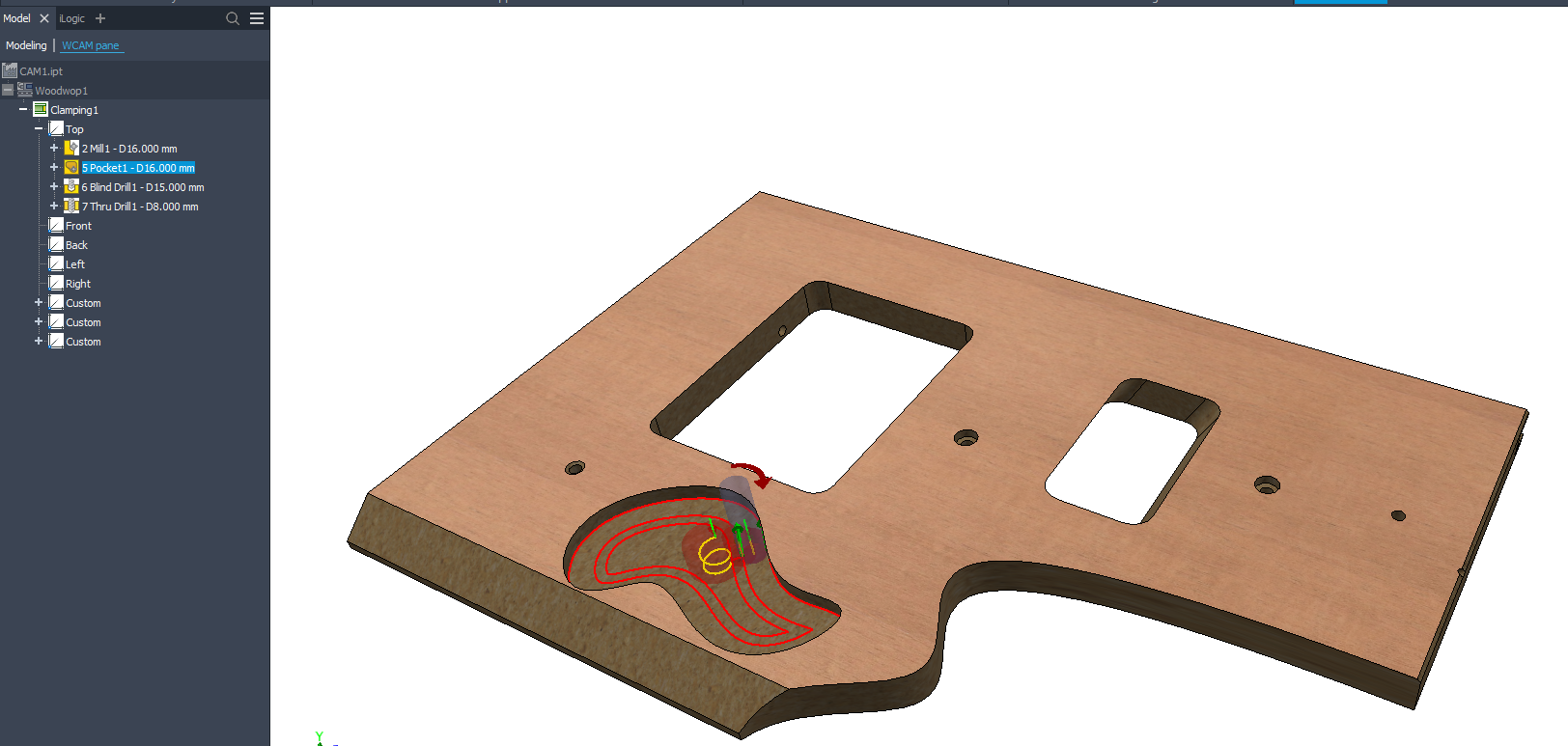 Pocket operation
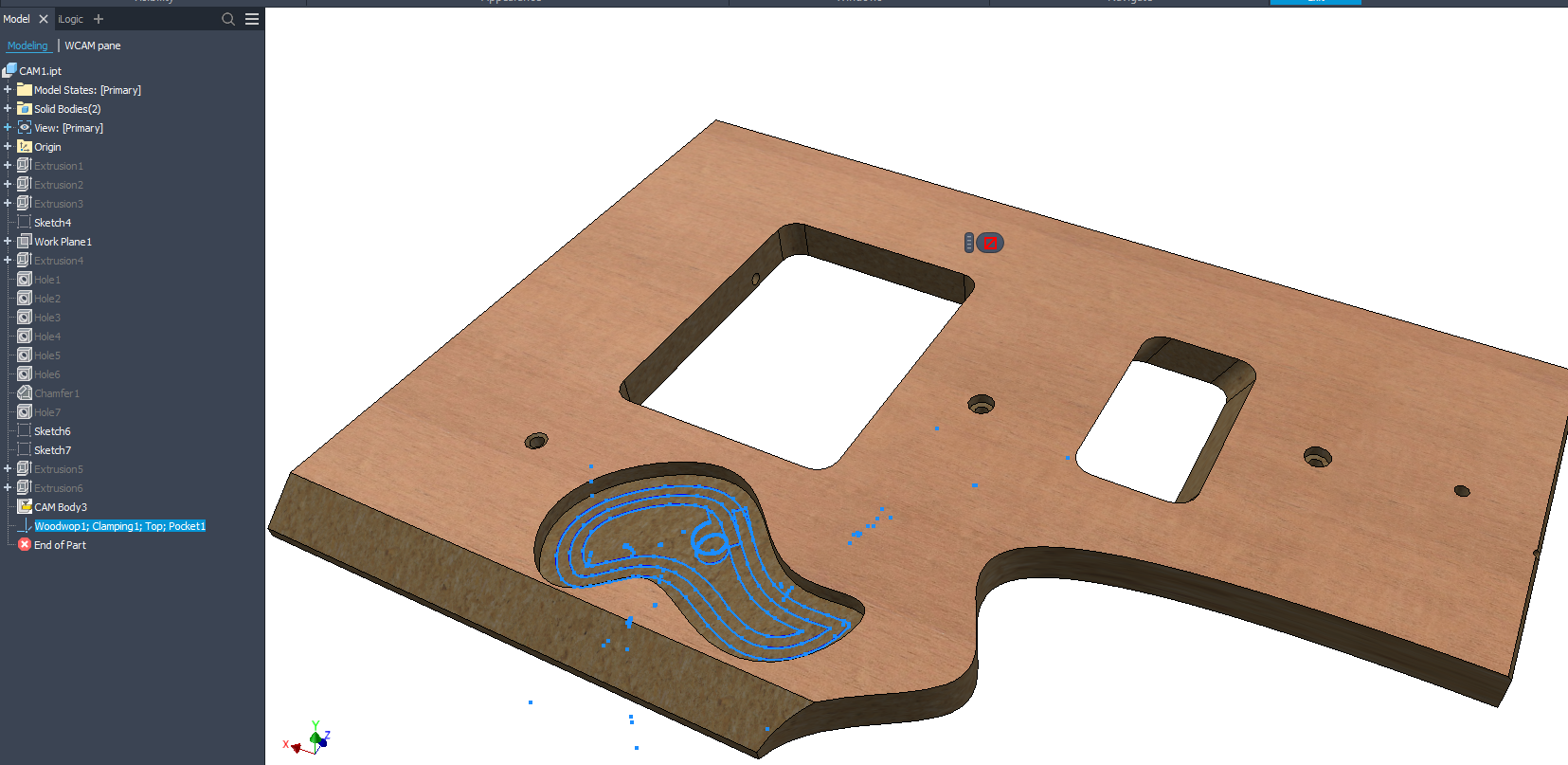 Result of Toolpath to the sketch command |